

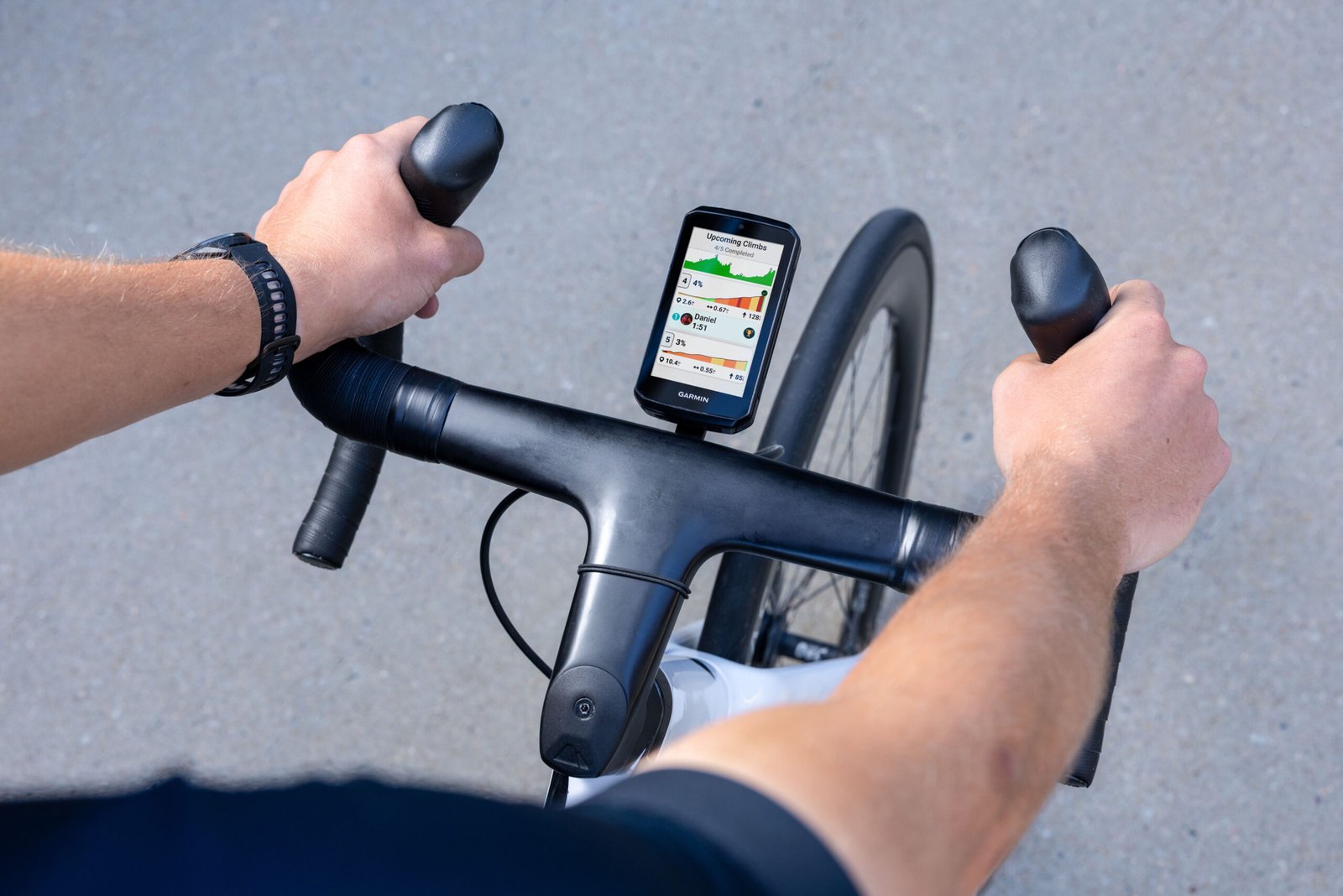
Garmin just announced their latest $800 flagship, the Edge 1060 cycling computer, and like a lot of companies, the biggest headline here is that Garmin now wants you talking to your device.
You can now say “Okay, Garmin” to your handlebars and have them answer back.
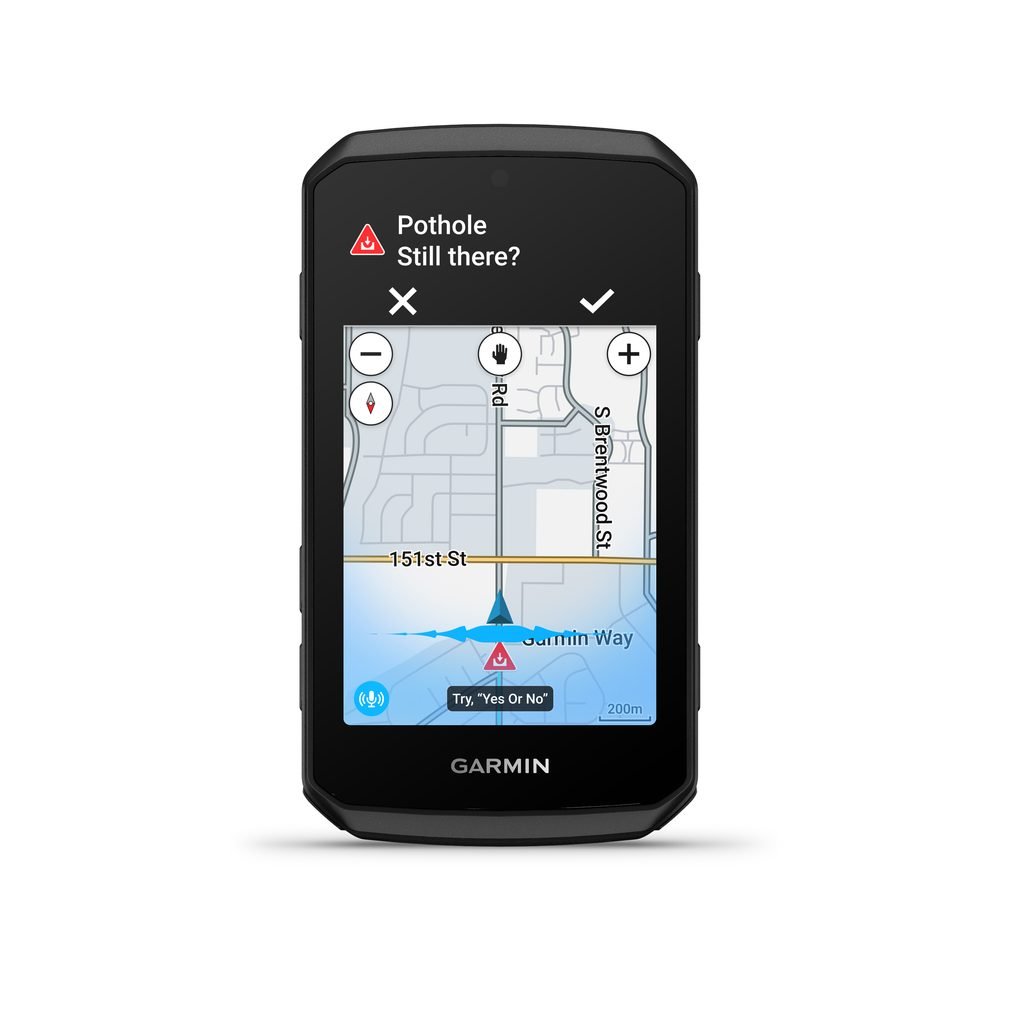
The Edge 1060 has a built-in microphone and speaker, which is what makes the voice commands possible. Garmin’s examples include “Report a pothole,” “Route me to the closest coffee shop,” and “What is my heart rate?” The unit responds by changing the screen, reading your stats aloud, or suggesting a route.
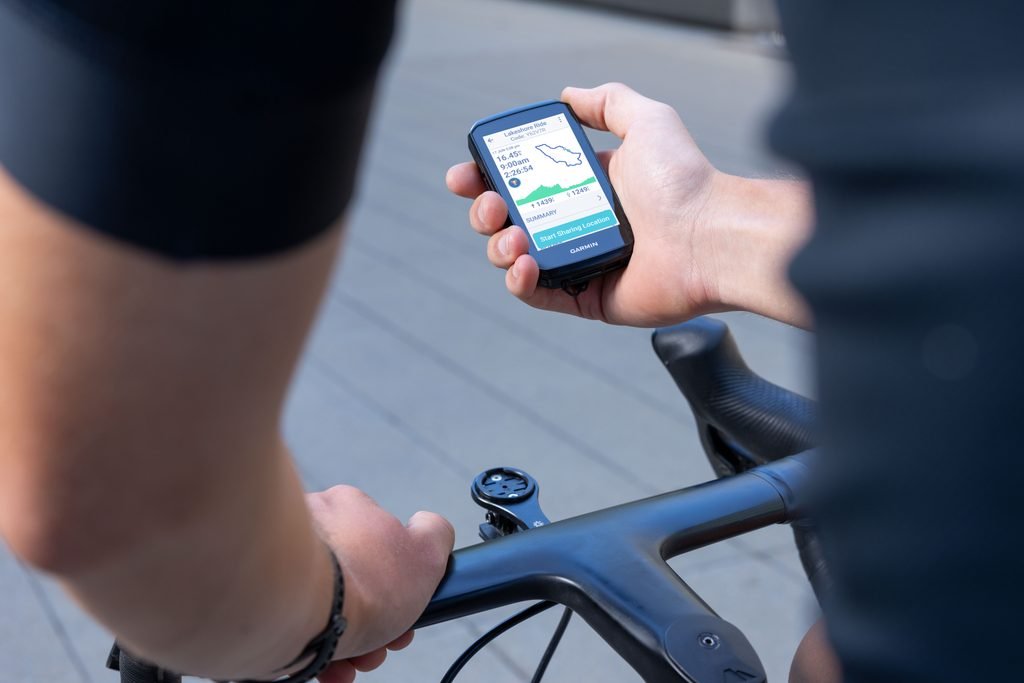
We get why this appealing, especially if you’re focused on the road or hugging a tiny shoulder. But our biggest question is how well can you hear the voice playback? And Garmin does note that voice performance can vary with riding conditions, so before buying, we’d want to know how it handles wind and road noise.
But according to the announcement, the speaker does more than read stats. Cyclists pair the Edge with your phone and the on-device Garmin Messenger app lets you send voice messages straight from the bike and hear replies played out loud. Navigation and workout prompts come through the same speaker.
And yes, it doubles as a digital bike bell (LOVE), so the person you’re about to pass knows you’re there. Unconfirmed if there are different bike bell options. We hope!
Navigation Gets Smarter
Voice is cool, but this is probably our most favorite update because to us, a bike computer is at its best when the navigation works really well.
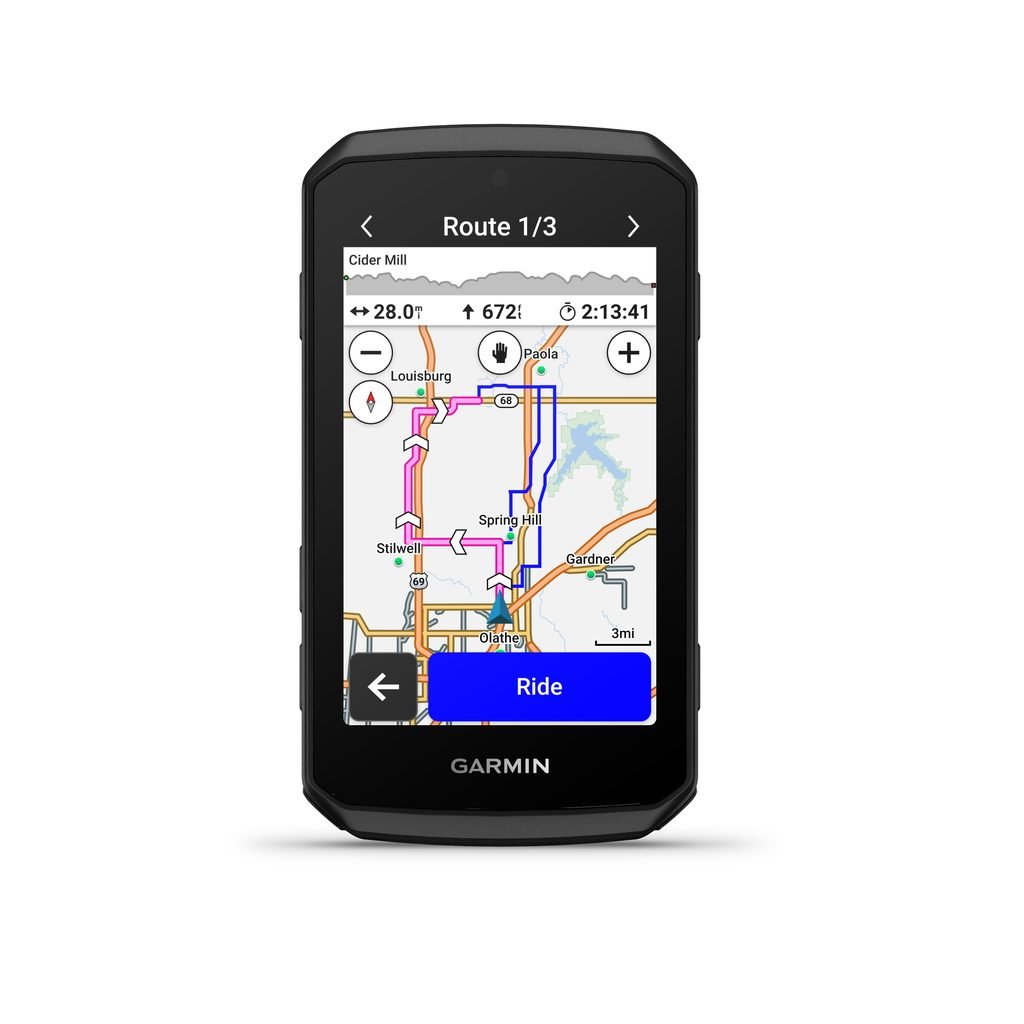
Most of the new routing tools are about knowing what you’re getting into before you clip in. Route Options shows you multiple ways to a destination, and you can choose based on ride time, elevation, bike type, and more.
Route Previews adds distance, estimated time, traffic, and reported hazards along the way.
Up Ahead lets you pick the stops that matter, like coffee shops, restrooms, and gas stations, and shows you the nearest ones on your route which is awesome and the most relatable feature in the release, especially if you’re cycling in a new city or taking on a new route. Thats the thing that usually prevents me from taking on something new, because I wouldn’t know where I can stop.
Road closure alerts now join the hazard reports from other Garmin riders, which already cover potholes, obstructions, and even aggressive animals. And you can add your own hazards by voice.
Garmin also added Free Flow Routing, which looks for routes with the fewest stops, intersections, and slowdowns so you can hold your speed during training. Keep in mind that road closure alerts need a compatible smartphone and the Garmin Connect app.
Training and Group Rides
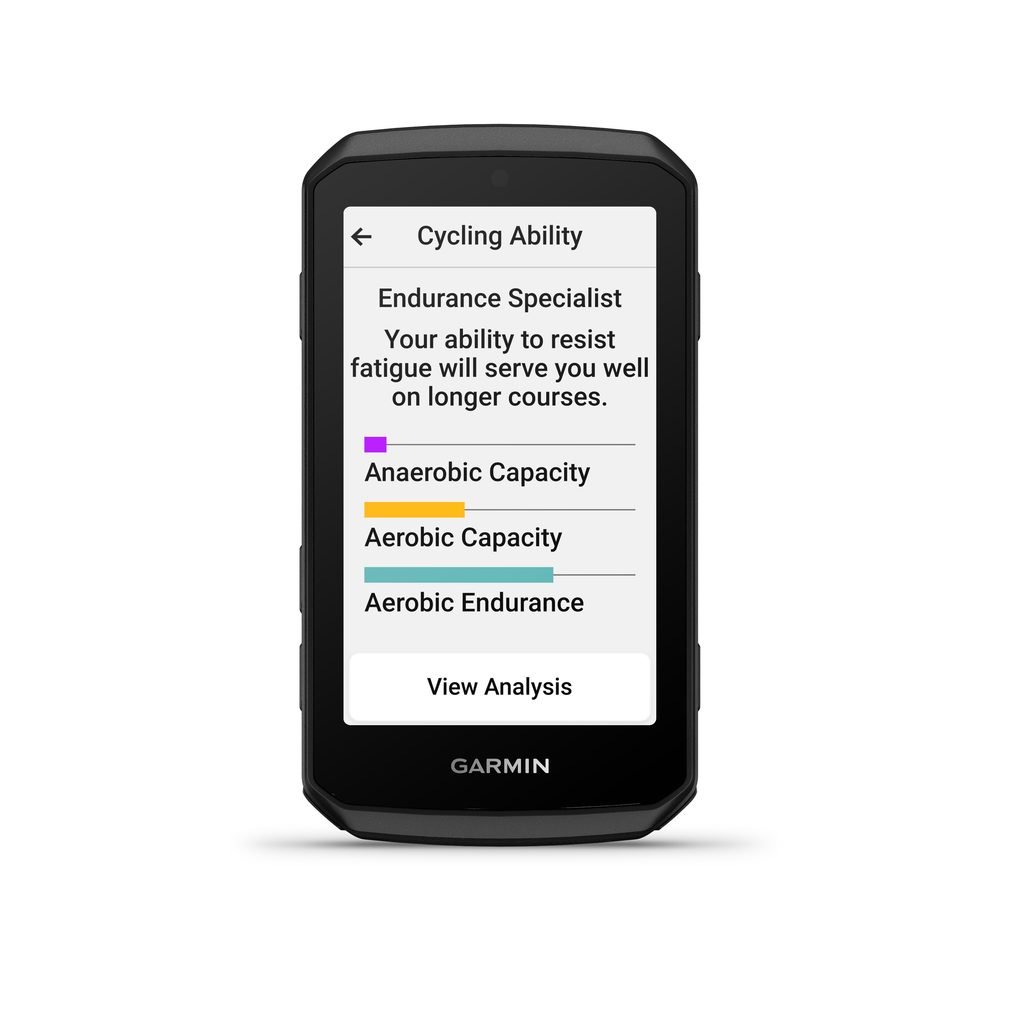
On the training side, the Edge 1060 pulls in real-time stamina, a power guide, cycling ability, and course demands, all powered by the Garmin Human Performance Lab.
You can also build a free, personalized Garmin Cycling Coach plan that adapts to your performance, recovery, and what the course demands. TrainingPeaks users can sync plan workouts to the Edge automatically.
Pair it with a compatible Garmin smartwatch or CIRQA Smart Band and you’ll see off-the-bike recovery and health stats, plus optional supplementary strength workouts with your plan.
GroupRide gets a quality-of-life upgrade which is fun in theory. If your Edge detects an active GroupRide nearby, you can join it and get in-ride messaging, live locations, incident detection alerts, and in-ride competitions and awards. But it is a feature that depends on a paired smartphone.
Garmin also made the workout screen interactive so you can see upcoming steps and zoom in and out on the whole workout. The home screen is customizable too, so you choose which apps and widgets sit front and center. The touchscreen is paired with added buttons, which is what you want when it’s pouring or you’re in winter gloves.
There’s also reverse charging, so if you’re in a pinch the Edge can top up a Varia light, your phone, or another device. It needs a compatible USB-C cable, and Garmin is clear it isn’t meant to charge things while you’re riding.
Our Thoughts
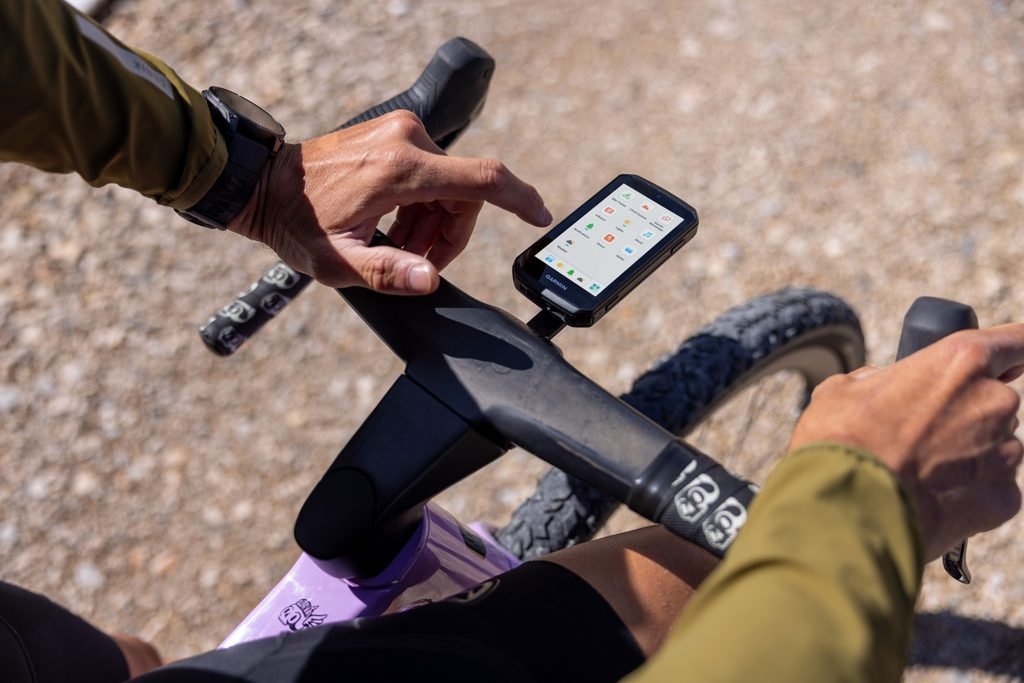
Garmin has built its reputation in cycling with amazing cycling computers and this is no different but it’s also super premium at $800.
Battery life is a little disappointing, especially as people put longer hours in. But the 1060 is rated at up to 20 hours in the most demanding use cases and up to 60 hours in battery saver mode.
The most surprising thing to me is that a lot of the headline features lean on your phone, including voice messaging, road closure alerts, and GroupRide, so the Edge 1060 is at its best when it’s paired.
For everyday riders with an older computer who might be looking for a future proof upgrade, this has all the bells, whistles and more. You can’t go wrong. It’s just a matter of which features you’ll actually use and which are nice in a press release but less so on the road.
We hope to test this and will keep you posted if we do.
Leave a Reply
You must be logged in to post a comment.