

You know that feeling when you scroll back through three months of Strava activities hunting for one answer? Am I fitter than I was in July? Was Saturday’s 20 miler a negative split? But ultimately you end up learning nothing, or worse, not answering your question.
Strava is trying to fix that.
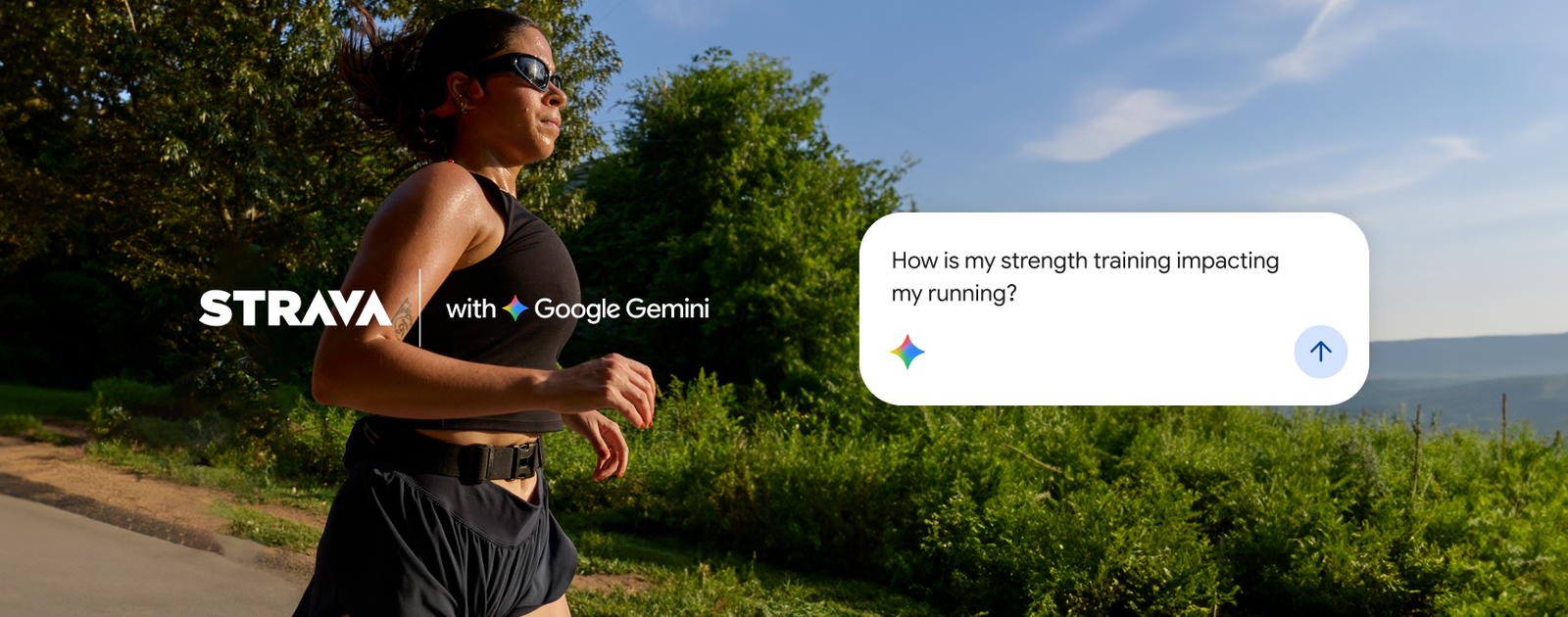
The company announced that subscribers can connect their accounts directly to Google Gemini, so you can ask plain-English questions and get answers grounded in your own activity history. It’s the second AI assistant Strava has plugged into, following its recent launch with Claude.
If your training log has been a pile of data you never quite know what to do with, this is a pretty useful tool.
Let’s Break It Down
The idea is that once you connect your Strava account to Gemini, the assistant stops giving you generic training advice and starts answering based on what you’ve actually done. It wil look at everything from volume, and consistency, to your previous races. In a way, it becomes a coach of sorts.
What You Can Ask It
Strava gave us a handful of example prompts, and a few of them are actually questions we’d ask.
From the classic “Am I getting faster at the same heart rate?” to “How is my strength training impacting my running?” Gemini will pull trends across every sport you log on Strava.
Other New Stuff
Strava also added some fresh insights with its most recent update.
You can ask for your fastest 10K this year versus your all-time best, and it’ll put the two side by side with the date and activity behind each making it easy to read.
Privacy and Control
The good news is that connecting is entirely optional, and it’s read-only. Gemini can look at your Strava data, but it can’t change anything on your account. You choose to connect, and you can disconnect whenever you want.
Who Gets This?
It’s now available to athletes in the US, and it’s available to Strava subscribers across all Gemini plans. You’ll need the paid Strava subscription, so if you’re on the free tier, you’re shit out of luck.
To set it up, open Personal Intelligence inside Gemini, pick Strava from the connected apps, sign in with your Strava account, and authorize Gemini to connect. That’s it. Rollouts are rarely instant for everyone, so if you don’t see it right away, check back.
Our Thoughts
We’re always a little skeptical when a company announces that AI is going to transform your training because most of the time it means a chatbot will tell you very little, and ot might even push to you a point of getting injured.
What seemingly makes this worth paying attention to is the grounding. Gemini is good and an assistant that can actually see your history, heart rate, weather conditions, and races has a shot at being useful instead of just confident.
A few caveats worth keeping in mind. The examples in the announcement are the best-case questions, and we haven’t used this yet.
AI still needs to be taken with a grain of salt and you need some common sense. There are plenty of times its wrong and with this, like we said, it could end up causing some serious injury if wrong. On top of that, the data is only as good as what’s in your Strava, too. If half your runs are recorded with a watch as your HR monitor, we all know how inaccurate that can be.
Still, the direction here is the interesting part. Your training data has been sitting in apps like a locked diary for years and Claude and Gemini are unlocking it.
We’ll be kicking the tires on this one and will report back on what it gets right, and what it gets hilariously wrong. And if it tries to unintentionally injure us.
Leave a Reply
You must be logged in to post a comment.